

Creating Findings Manually
Normally, most of the Findings in your environment will be imported from other security tools. If you wish, you can add manual Finding entries as well, if you have vulnerabilities or work you wish to manage that was not created from a scan tool.
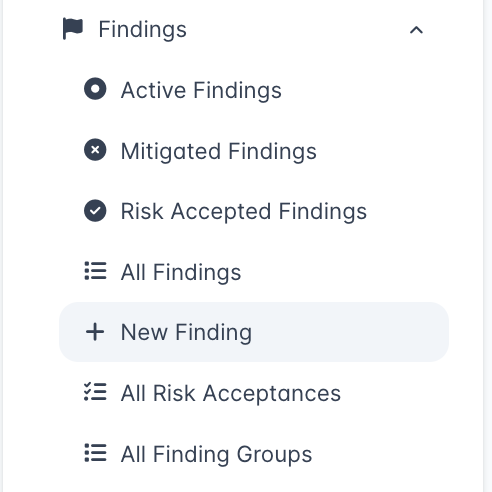
From the DefectDojo sidebar, open Act > Explore > Findings and select New Finding.
This opens the New Finding form, which you can fill out with any relevant information surrounding your Finding. You will need to assign this Finding to a previously created Test in DefectDojo.
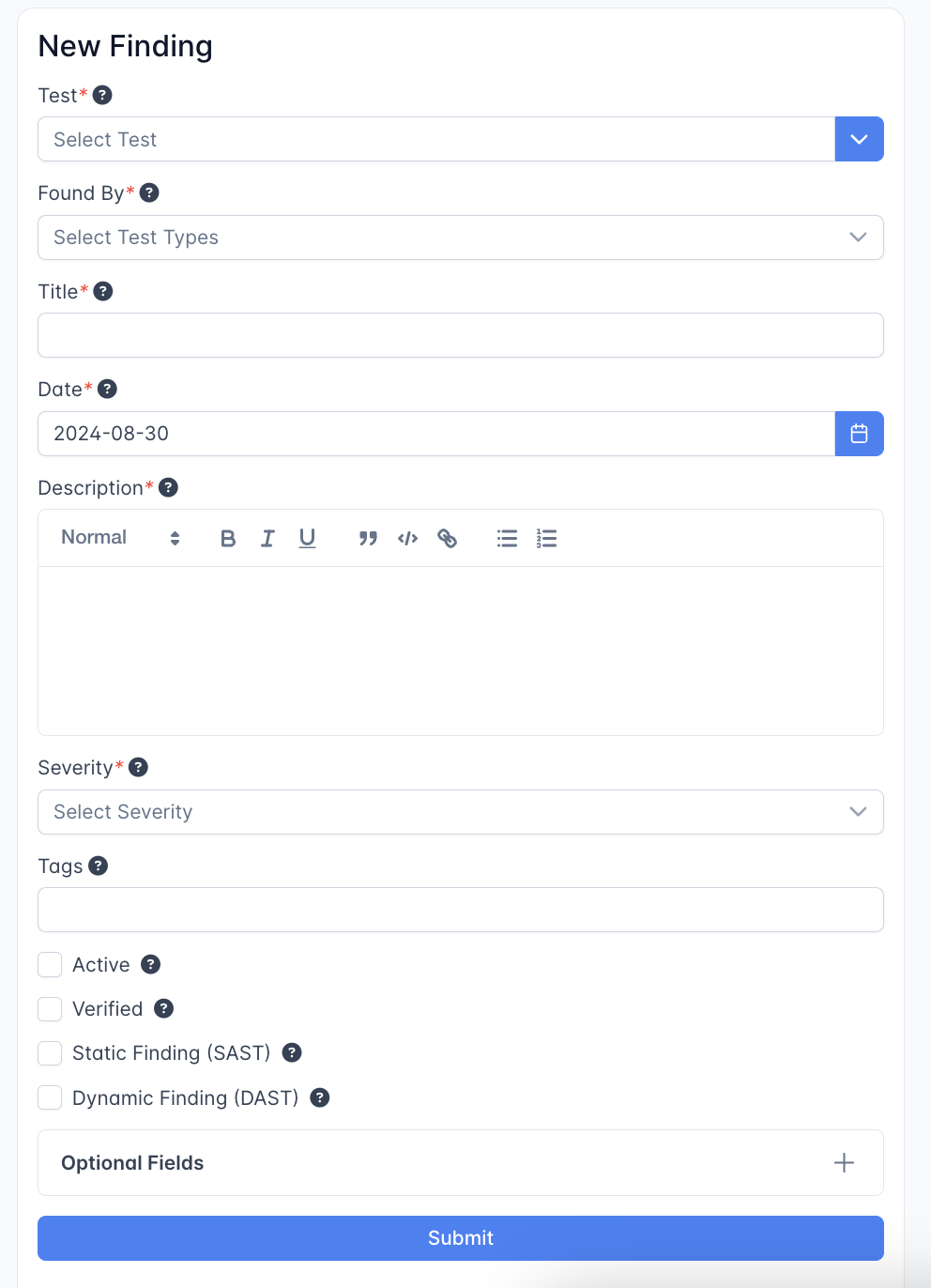
Most of the form sits under the collapsible Optional Fields panel. That includes a Threat Intelligence panel for the EPSS and CISA KEV values, which are otherwise only filled in by the EPSS / KEV sync for Findings that reference a CVE. Setting them here lets a manually created Finding without a CVE carry exploit evidence for prioritization; see Editing Findings for how the sync treats hand-entered values.