Enabling Deduplication (Pro)
Deduplication can be applied at an Asset-wide level, or scoped more narrowly to a single Engagement. To scope it the other way, across a chosen group of Assets, see Dedupe Pools.
Deduplication for Assets
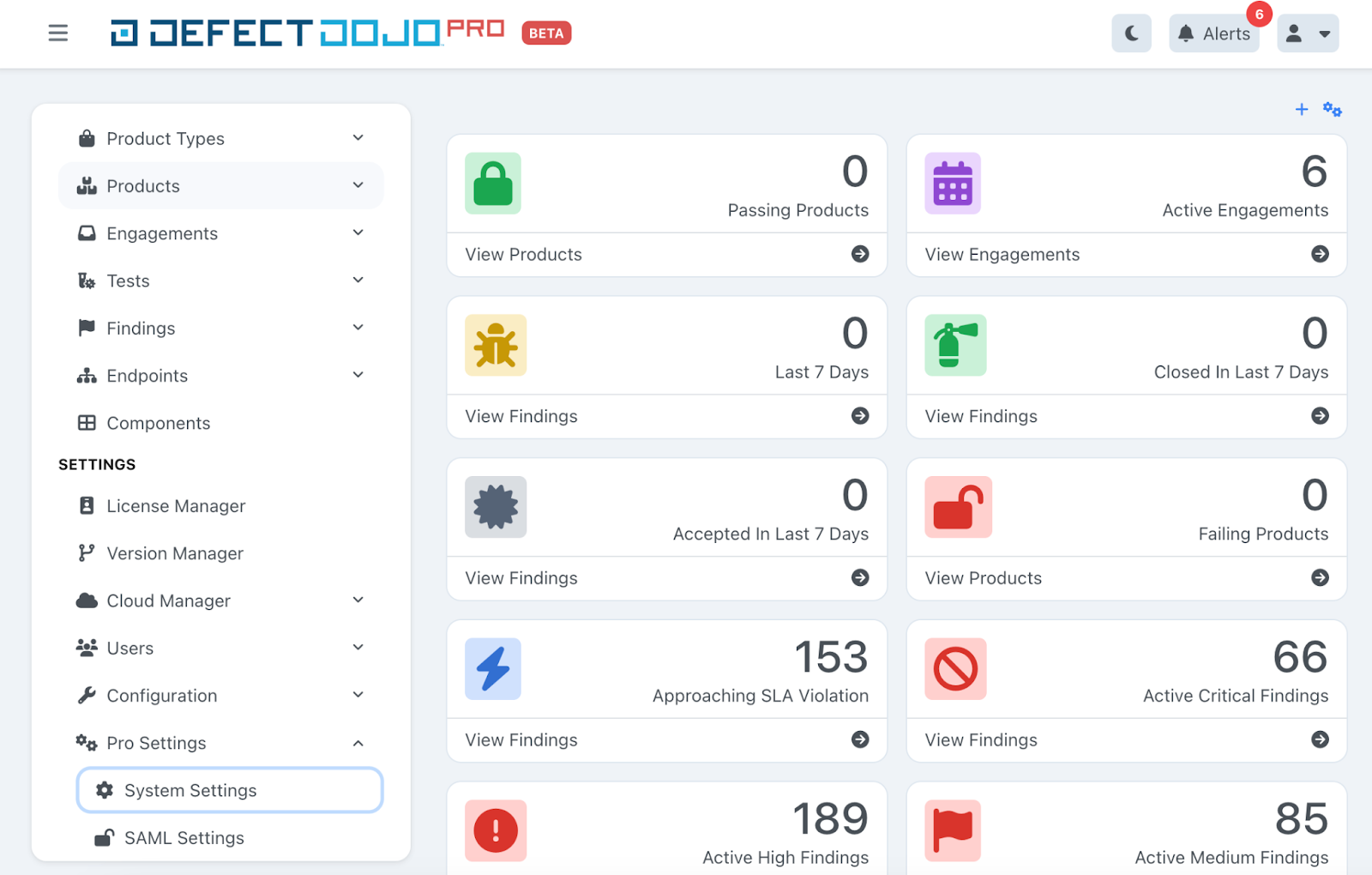
- Navigate to the System Settings page: Settings > System > ⚙️ System Settings on the sidebar (Settings > Pro Settings > System Settings on instances still using the previous menu layout).
- The Deduplication and Finding Settings card is at the top of the System Settings page.
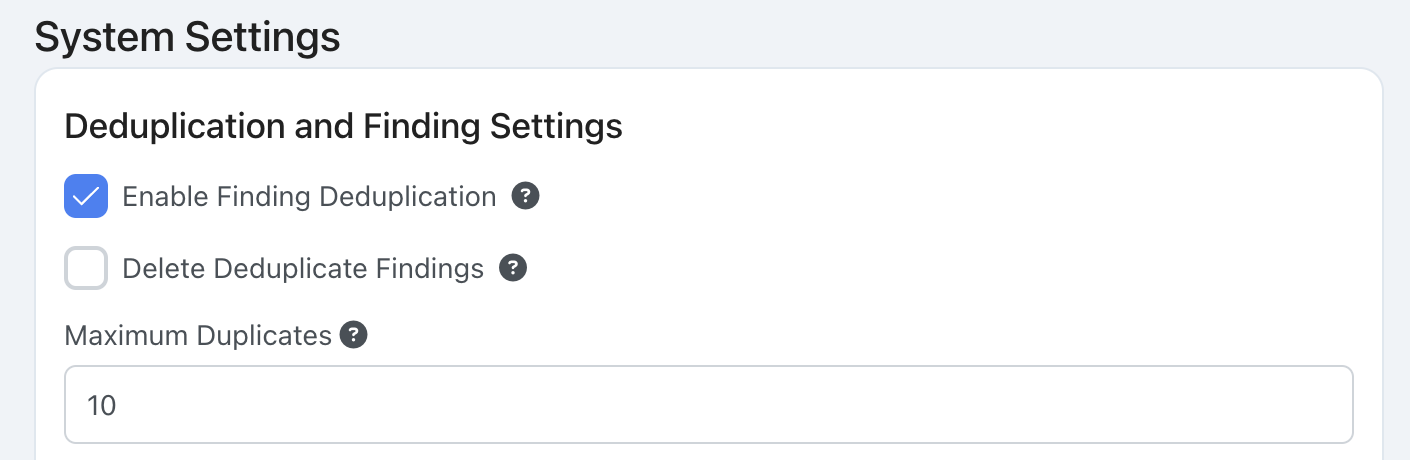
Enable Finding Deduplication
Enable Finding Deduplication turns on the Deduplication Algorithm for all Findings. Once enabled, Deduplication runs on every subsequent import: DefectDojo compares imported Findings against existing Findings in the destination Asset and marks duplicates according to your configuration.
Delete Duplicate Findings
Delete Duplicate Findings, combined with the Maximum Duplicates field, limits how many duplicate Findings DefectDojo retains. When enabled, a background job periodically prunes excess duplicates so that each original Finding keeps no more than the configured Maximum Duplicates count. Oldest duplicates are removed first.
Deduplication for Engagements
Rather than Deduplicating across an entire Asset, you can scope Deduplication to a single Engagement.
Open the Engagement form
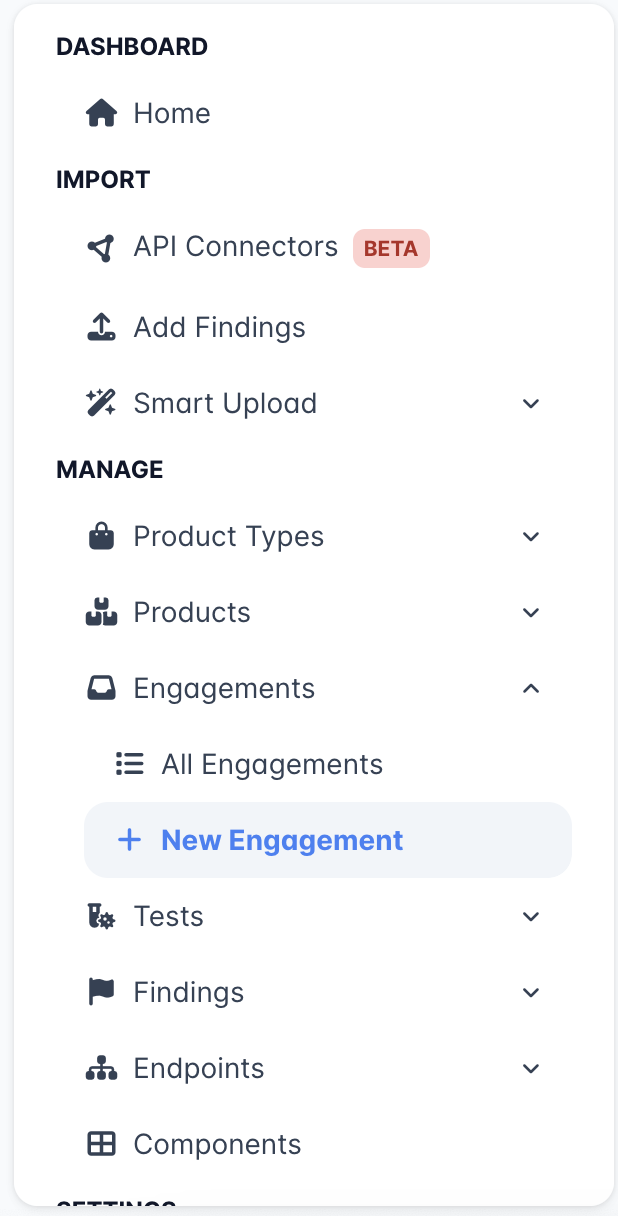
- For a new Engagement: open the 📥 Engagements sub‑menu on the sidebar and click + New Engagement.
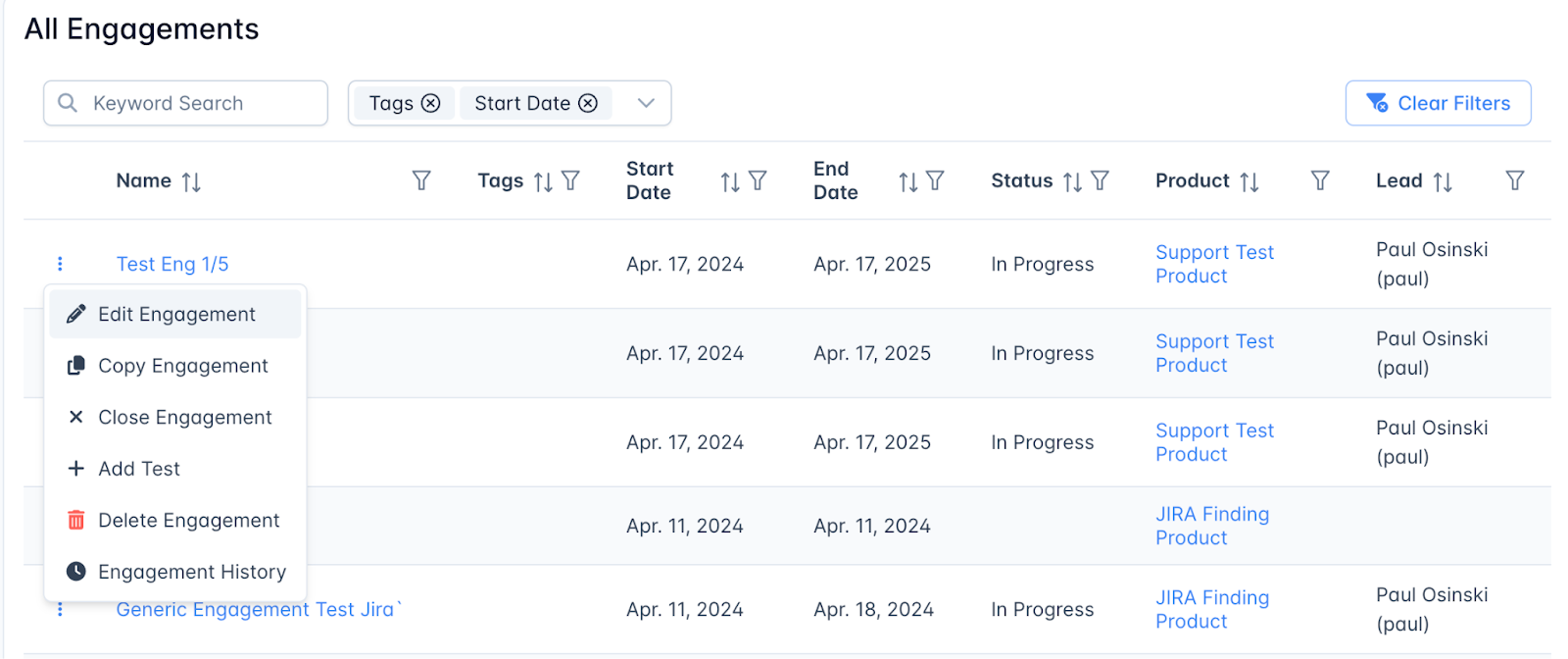
- For an existing Engagement (from the All Engagements page): open the ⋮ menu for the Engagement and select Edit Engagement.
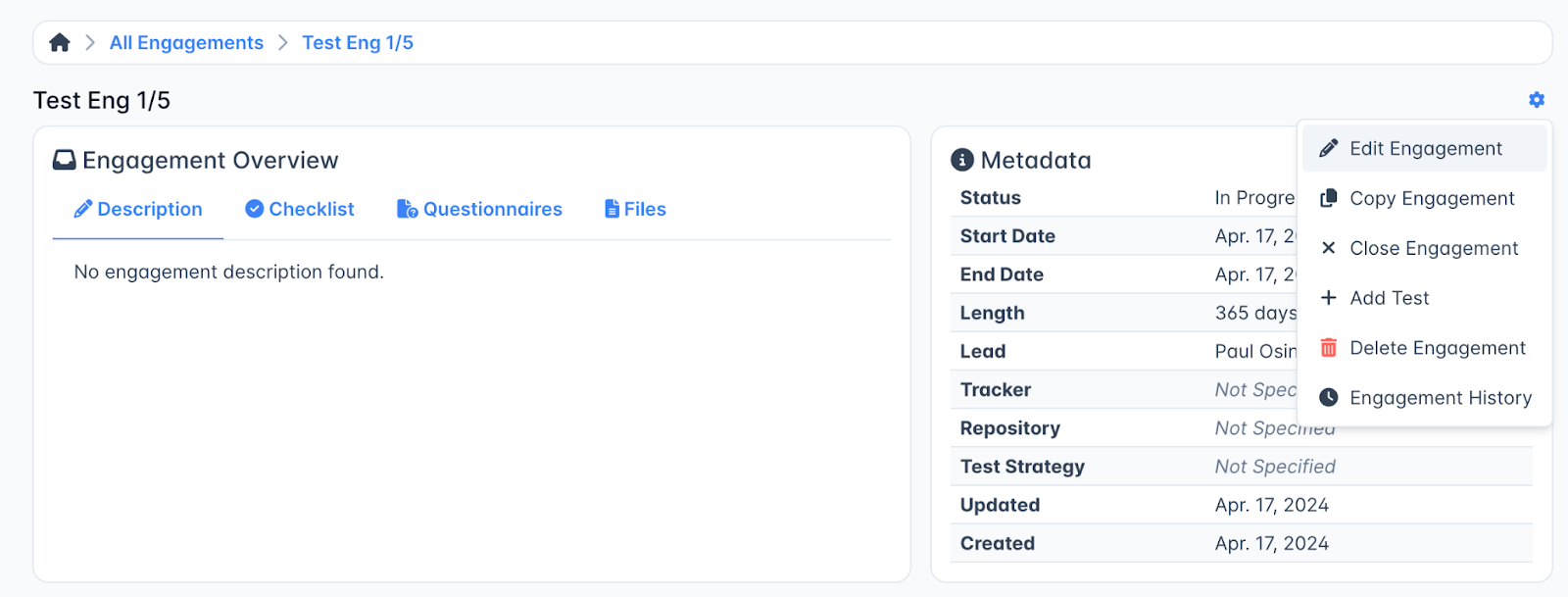
- For an existing Engagement (from the Engagement page): open the ⚙️ Gear menu in the top‑right corner of the page and select Edit Engagement.
Completing the Engagement form
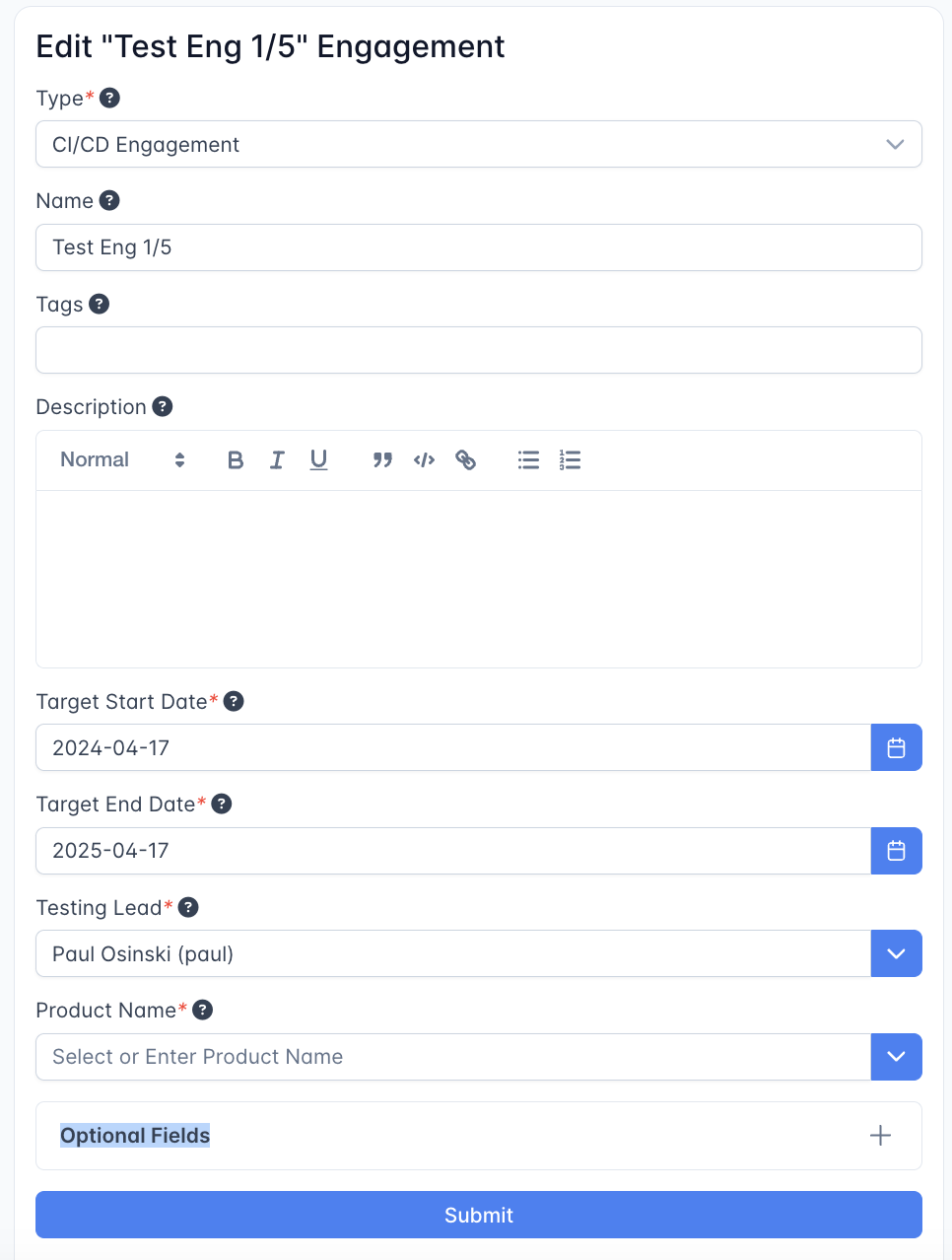
- On the Engagement form, locate the ☐ Isolate Deduplication from Other Engagements checkbox. It appears above the Optional Fields + panel.
- Check the box to scope Deduplication to this Engagement.
- Submit the form.
When this option is enabled, Findings in this Engagement will only be deduplicated against other Findings within the same Engagement. Findings in other Engagements on the same Asset are ignored by the Deduplication Algorithm.