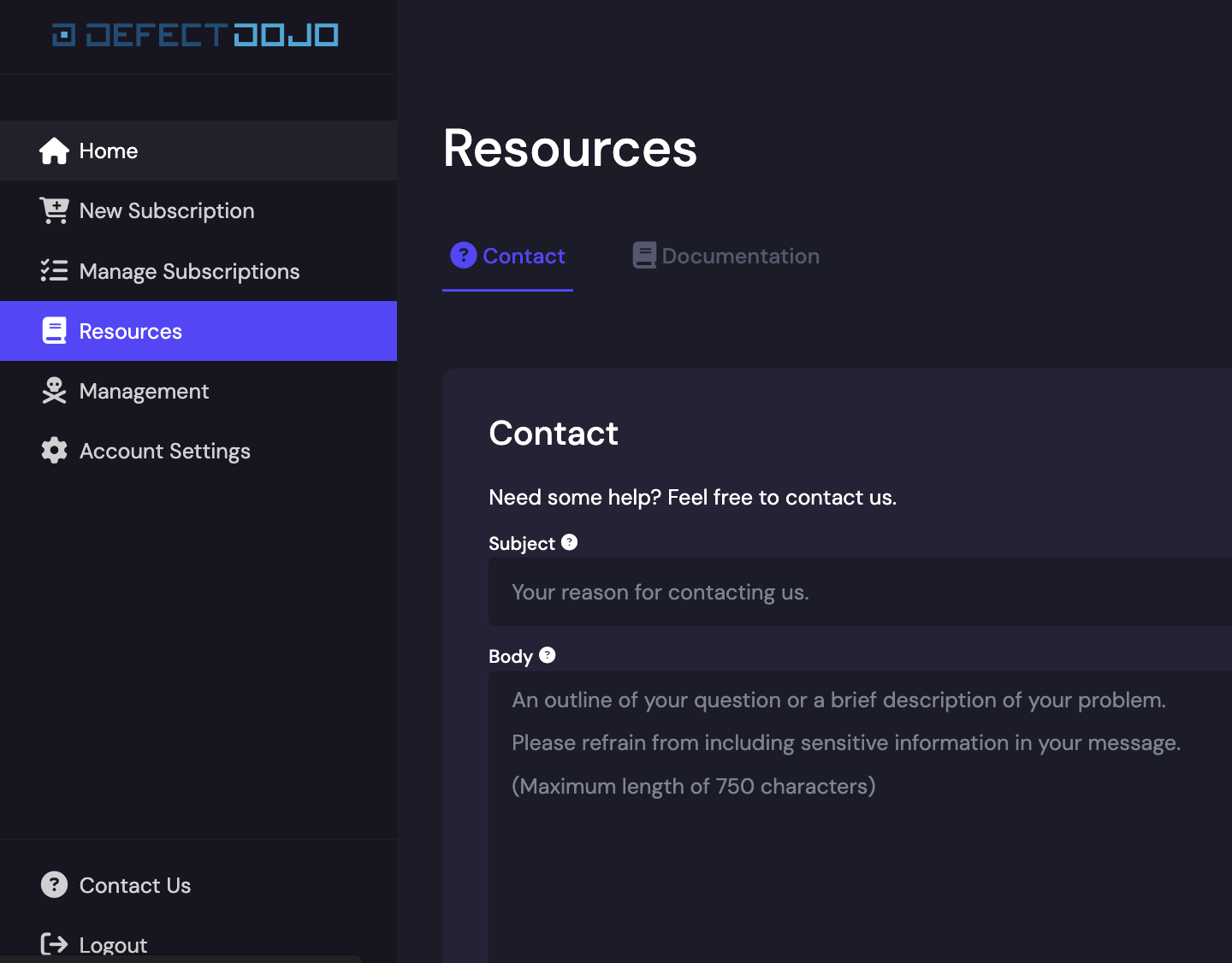
Contact Support
Need help with DefectDojo? Here are some ways to get assistance.
Open-Source Support
Open-Source users can receive help and advice through our community channels.
For Open-Source users, the quickest way to get help is through the OWASP Slack Channel. Our community members are active on the # defectdojo channel and can help you with issues you’re facing.
To report a bug, issues can be raised on our GitHub.
See our Community Site for more information.
DefectDojo Pro Support
DefectDojo Pro subscriptions come with full support from the DefectDojo, Inc. team from the first day of your subscription.
Customers/Pro Users can always email our team directly at for assistance.
Within DefectDojo
Open Settings > Support from the left sidebar. In the reorganized settings menu, open Settings > License & Support > Support. You can also go to {your-instance}/ui/cloud/support.
On the Support page you can file a request, follow its status, and vote on community requests. On an airgapped instance, the page shows the support e-mail address instead. See Support for details.
Through the Cloud Portal
You can also contact our support team from the Cloud Manager at https://cloud.defectdojo.com. Select Contact support in the left sidebar, choose the subscription your request is about, add a subject and a message, and select Send.