

Checkmarx One (Pro)
DefectDojo’s Checkmarx One connector calls the Checkmarx API to fetch data.
Connector Mappings
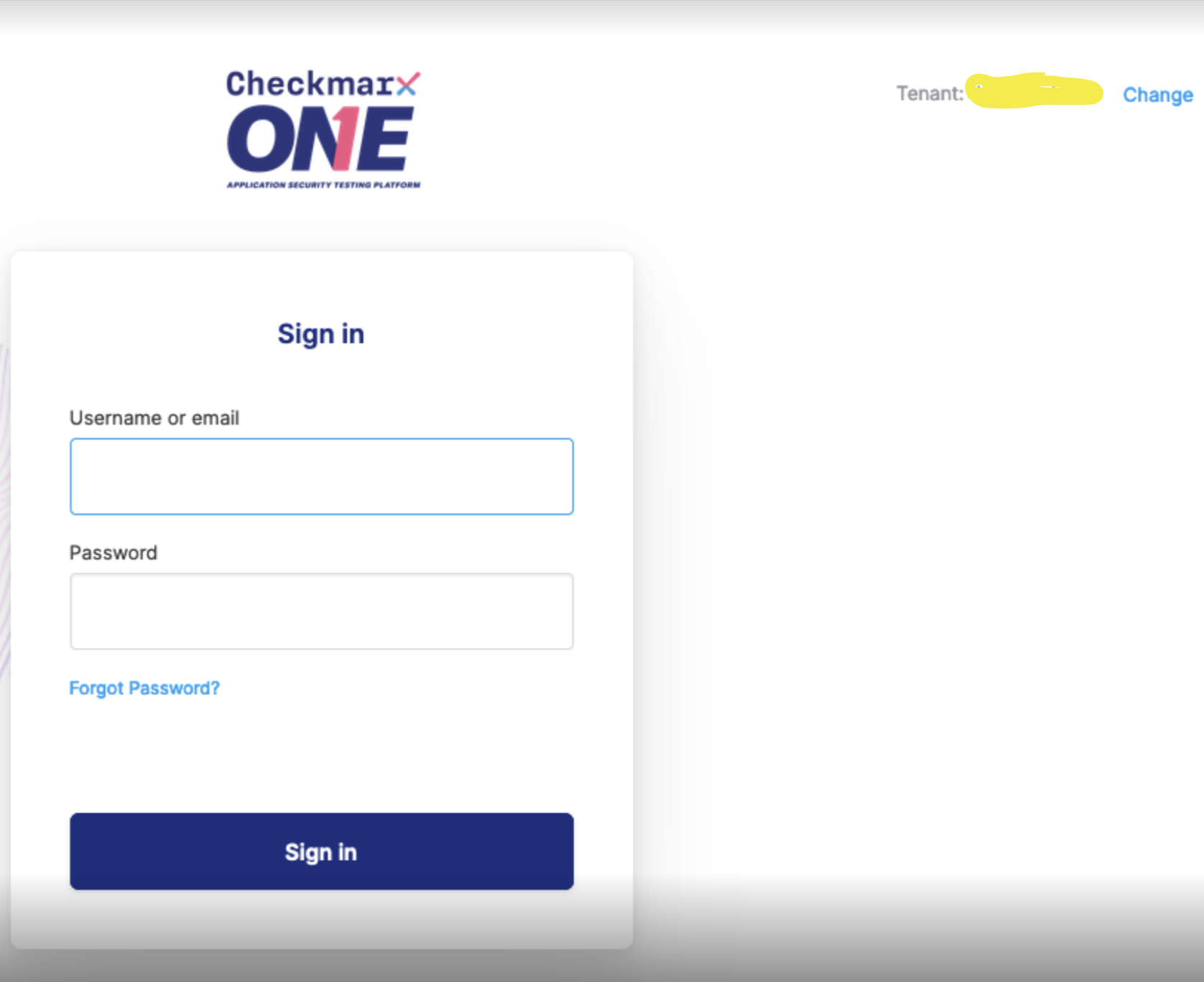
Enter your Tenant Name in the Checkmarx Tenant field. This name should be visible on the Checkmarx One login page in the top-right hand corner:
" Tenant: <your tenant name> "
Enter a valid API key. You may need to generate a new one: see Checkmarx API Documentation for details.
Enter your tenant location in the Location field. This URL is formatted as follows:
https://<your-region>.ast.checkmarx.net/. Your Region can be found at the beginning of your Checkmarx URL when using the Checkmarx app. https://ast.checkmarx.net is the primary US server (which has no region prefix).
Branch handling
By default, each sync imports the findings of a project’s single most recent completed scan, regardless of branch. If your CI scans many branches, whichever branch happened to scan last “wins” that sync: findings that only exist on other branches are not imported, and the sync’s close-old reconciliation can churn findings open and closed as different branches take turns being the latest scan.
Two optional fields control this behavior:
- Branch: pins every project to one branch name — only scans of that branch are imported. This is a single global value for the whole connector, so it fits fleets where every project uses the same long-lived branch (e.g.
main).- A
*wildcard is supported. A Branch value containing*selects across every matching branch rather than a single one — for examplerelease/*imports each release branch, and*matches every branch. Combined with Track Scanned Branches, this is the way to track a family of branches without tracking all of them. - If a wildcard matches no branch within the scan window, that sync is skipped rather than treated as “the branch has no findings” — so a pattern that temporarily matches nothing cannot close every finding on the asset.
- A
- Track Scanned Branches: when enabled, each sync finds every branch with a completed scan in the project’s recent scan history and imports the latest completed scan of each branch, one reimport per branch. Each branch’s findings live in their own engagement on the mapped asset, named “<default engagement> - <branch>”, so closing stale findings is scoped per branch: a fix merged to one branch can never close another branch’s findings. The project’s primary branch (as reported by Checkmarx) is imported first, so re-occurrences of the same finding on other branches deduplicate against the primary branch’s original.
Notes on Track Scanned Branches:
- Check which default applies to you. Branch tracking is on by default for new installations. Installations that predate the change keep their previous behavior, so the toggle is off for them until someone turns it on.
- When both fields are set, only the pinned Branch is tracked — including when that Branch value is a wildcard pattern, in which case every branch matching the pattern is tracked.
- A branch that stops being scanned (merged or deleted) stops receiving updates: its engagement remains visible with its last-known findings, which you can review and close in bulk.
- Turning the toggle off later is safe: per-branch engagements simply stop receiving imports and the default engagement resumes on the next sync.
- Connectors reconcile state on the sync schedule. Branch tracking makes each sync complete across branches; it does not make data real-time between syncs.
Result States
By default, the connector imports findings in every Checkmarx result state except Not Exploitable. To import only findings in some states, fill in the optional Result States field.
- Enter a comma-separated list, for example
CONFIRMED,URGENT. Custom states also work, for exampleDD_READY. - Case and spaces do not matter.
dd ready,DD ReadyandDD_READYare the same state. - Leave the field blank to import every state.
- The connector never imports Not Exploitable findings, even if you list that state.
- The filter applies to SAST, SCA, IaC and DAST results. If your DAST results cannot carry a custom state, a list of only custom states imports no DAST findings.
- If a finding leaves a listed state, the next sync closes it in DefectDojo.
- If no finding has a listed state, the sync imports nothing and closes the findings that the connector imported before. Check the spelling against your Checkmarx custom states before you save.
Tagging findings with the Checkmarx scan ID
Each Checkmarx One finding’s Unique ID From Tool is its Checkmarx result hash. A result hash alone does not locate a finding in Checkmarx; you also need the ID of a scan that contains it. Turn on Tag Findings With Scan ID to record that scan ID on the findings the connector imports.
When the toggle is on, every finding a sync imports (SAST, SCA, KICS and DAST) is tagged scan-id:<scan id>, where the ID is the Checkmarx scan the connector pulled the finding from. With Track Scanned Branches on, each branch’s findings carry the ID of that branch’s own scan. You can filter findings by the tag, or read it through the API together with Unique ID From Tool.
Notes:
- The toggle is off by default, and turning it on does not change deduplication: the scan ID is only a tag. It is never added to Unique ID From Tool or the description.
- The tag records the scan in which DefectDojo first imported the finding. A later sync that matches an existing finding keeps that finding’s tags, so the tag is not replaced with each new scan ID. That scan contains the finding, so it still locates the finding in Checkmarx, unless Checkmarx’s data retention has since deleted the scan.
- Findings already in DefectDojo when you turn the toggle on do not get the tag. Only findings created by later syncs do.