

Calendar
DefectDojo’s Calendar provides a centralized timeline view of all Engagements and Tests with defined start and end dates, allowing Users to quickly understand testing activity across Products, identify scheduling overlaps, and navigate directly to related objects.
When a User creates an Engagement or Test and defines start and end dates, a corresponding entry is automatically added to the Calendar. Entries appear on all dates from the defined start date through and inclusive of the defined end date.
Accessing Calendar
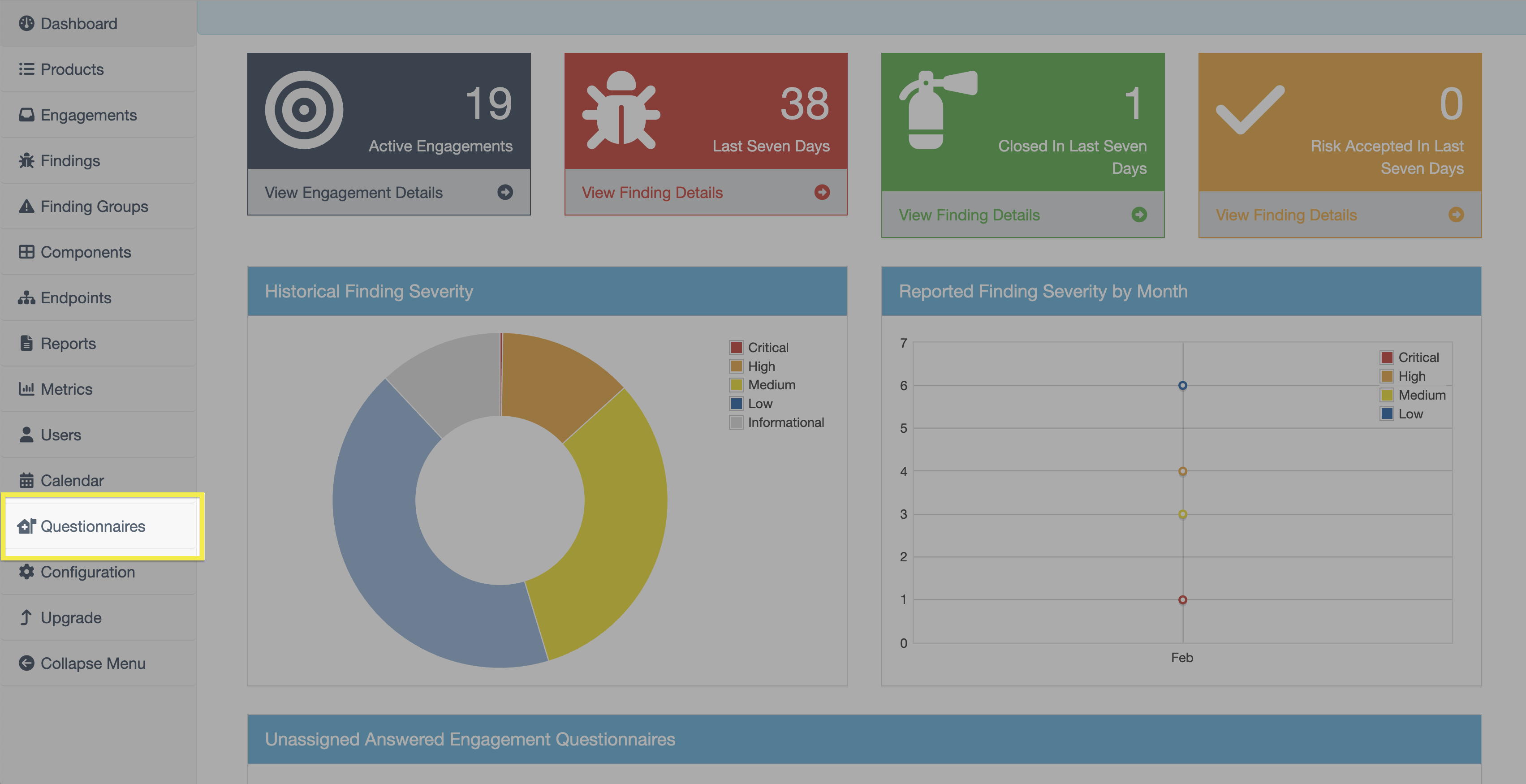
The Calendar page is accessible via the Calendar button in the sidebar.
Visiblity and Permissions
Visibility
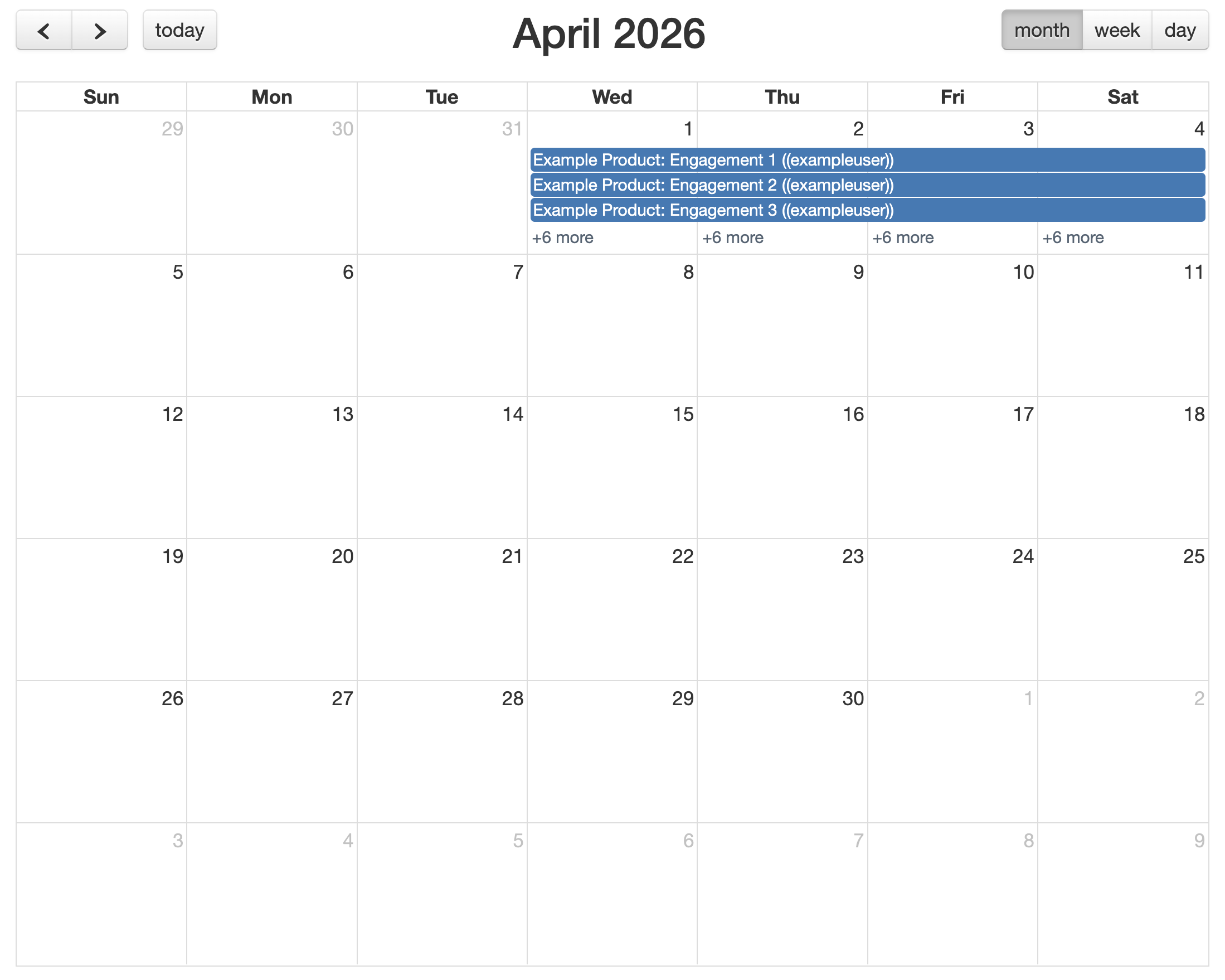
The Calendar page includes filters at the top and a monthly Calendar grid below. Use the navigation controls above the Calendar to move between months.
The monthly view is displayed as a fixed six-week grid, beginning with the week containing the first day of the selected month.
The visible entries within the Calendar can be filtered based on object type (Engagements or Tests) and the Testing Lead, which is established within the settings of the Engagement or Test. After selecting filter criteria, click Apply to refresh the Calendar view.
Only one object type can be displayed at a time. Switching between Engagements and Tests updates the Calendar view accordingly.
Permissions
The Calendar respects DefectDojo’s object-level permissions. Users only see Engagements and Tests they are authorized to access.
Viewing and Interacting with Entries
Within each date cell, entries are sorted alphabetically based on the object’s name. Clicking an entry redirects to the corresponding object.
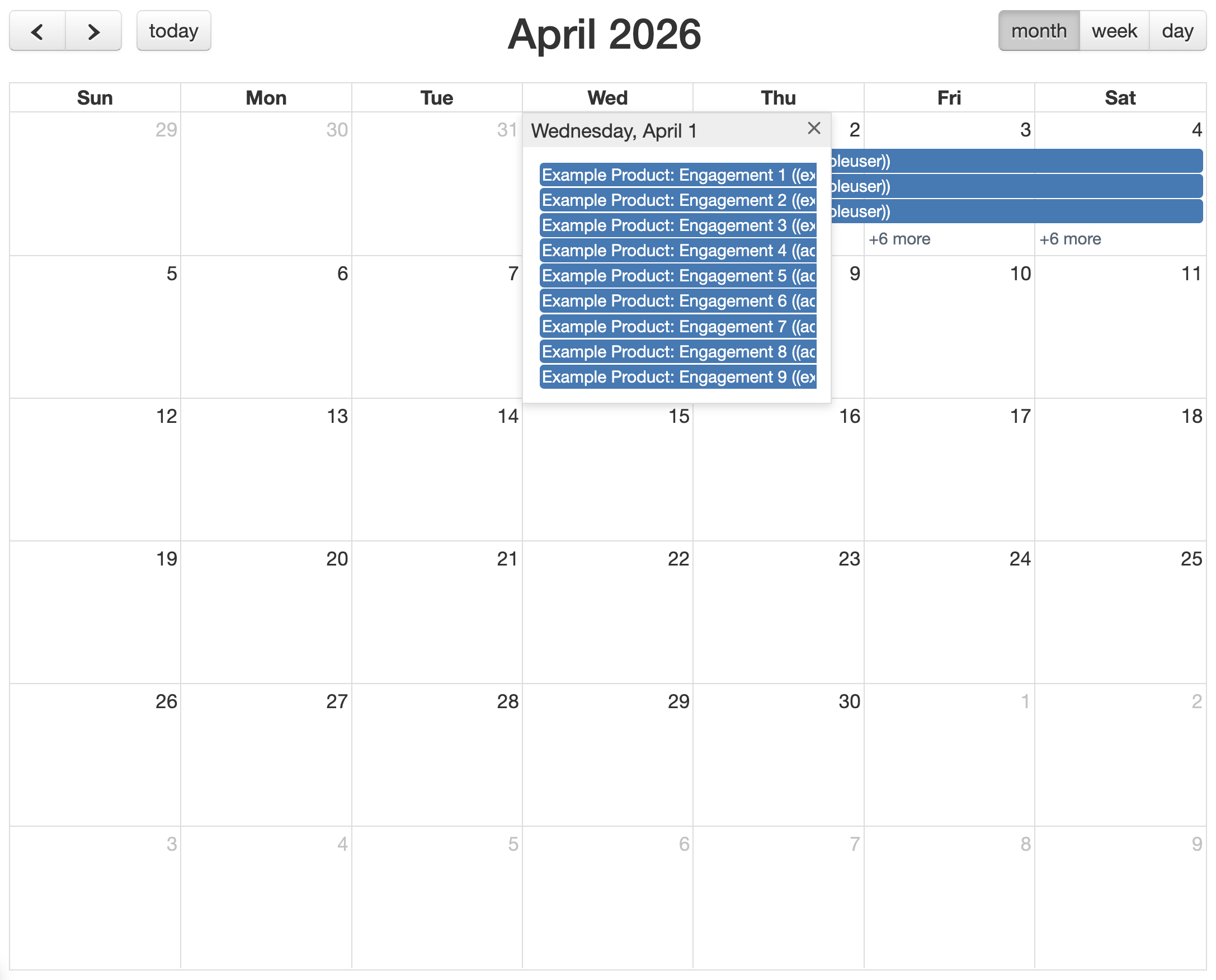
The number of viewable entries on each day is dynamic and changes depending on screen size and browser zoom level. If the number of entries exceeds the available space in a date cell, a link formatted as “+X more” appears at the bottom of the cell.
Click the “+X more” link to open a modal displaying all entries for that date.
Importantly, the Calendar itself is a read-only view. Dates must be modified within the settings of the Engagement or Test object itself.
Naming Logic
The naming of entries in the Calendar varies slightly depending on the object type.
Engagement entries include:
- Product Name
- Engagement Name
- Testing Lead
Test entries include:
- Product Name
- Engagement Name
- Test Type
- Testing Lead