

Assets (Open Source)
Organizations → ASSETS → Engagements → Tests → Findings
Overview
Assets sit at the center of how security work is organized within DefectDojo’s object hierarchy. Assets represent any project, program, software, or physical asset that your security team is testing, and host all of the security work and testing history related to the testing goal. Examples of Assets can include:
- Software releases
- Third-party software
- Virtual machines or assets in production
- A single application
- A microservice
- An API
- A SaaS platform
- A mobile app
- An internal system
- A business service
- A customer-facing platform
- A cloud environment or infrastructure domain
In general, an Asset should represent the “thing” whose security posture you want to track over time. This includes the associated testing history, Findings, metrics, ownership, integrations, and remediation workflows related to that “thing.”
Asset Examples
Assets can become even more granular depending on the needs of your organization. For example, you may consider creating separate DefectDojo Assets in the following scenarios:
- “ExampleAsset” has a Windows version, a Mac version, and a Cloud version
- “ExampleAsset 1.0” uses completely different software components from “ExampleAsset 2.0”, and both versions are actively supported by your company.
- The team assigned to work on “ExampleAsset version A” is different from the Asset team assigned to work on “ExampleAsset version B”, and needs to have different security permissions assigned as a result.
While you may also elect to represent these variations as Engagements within a single Asset, access can only be granted at the level of Assets or Organizations, which may limit users’ access to the appropriate Engagement (as well as the Tests and Findings within those Engagements) if they’re organized as such. For more information, see Open-Source Permissions.
Asset Data
Assets will always include the following components:
- Unique name
- Description
- Organization
- SLA Configuration
Optional Asset metadata includes:
- Tags
- Personnel information (e.g., Asset Manager, Team Manager, Technical Contact, etc.). Only active users can be assigned to these fields, in the UI and over the API. If a user is deactivated later, the assignment stays in place as a historical reference and continues to be readable, but that user cannot be assigned again until the account is reactivated. An update that re-sends the value already stored is still accepted.
- Regulations (e.g., HIPAA, GLBA, OPPA, etc.)
- Business criticality
- Platform (e.g., API, Desktop, IoT, Mobile, Web, etc.)
- Lifecycle (e.g., Construction, Production, Retirement, etc.)
- Origin (e.g., Third-Party Library, Purchased, Open Source, etc.)
- User records (i.e., the estimated number of user records in the Asset)
- Revenue
This metadata improves filtering, reporting, and prioritization across your security program, but most importantly, Assets also contain all of the Engagements, Tests, and Findings related to the testing efforts surrounding that Asset. All Findings from Tests ultimately roll up to the Asset level, enabling long-term tracking, trend analysis, and reporting.
Accessing Assets
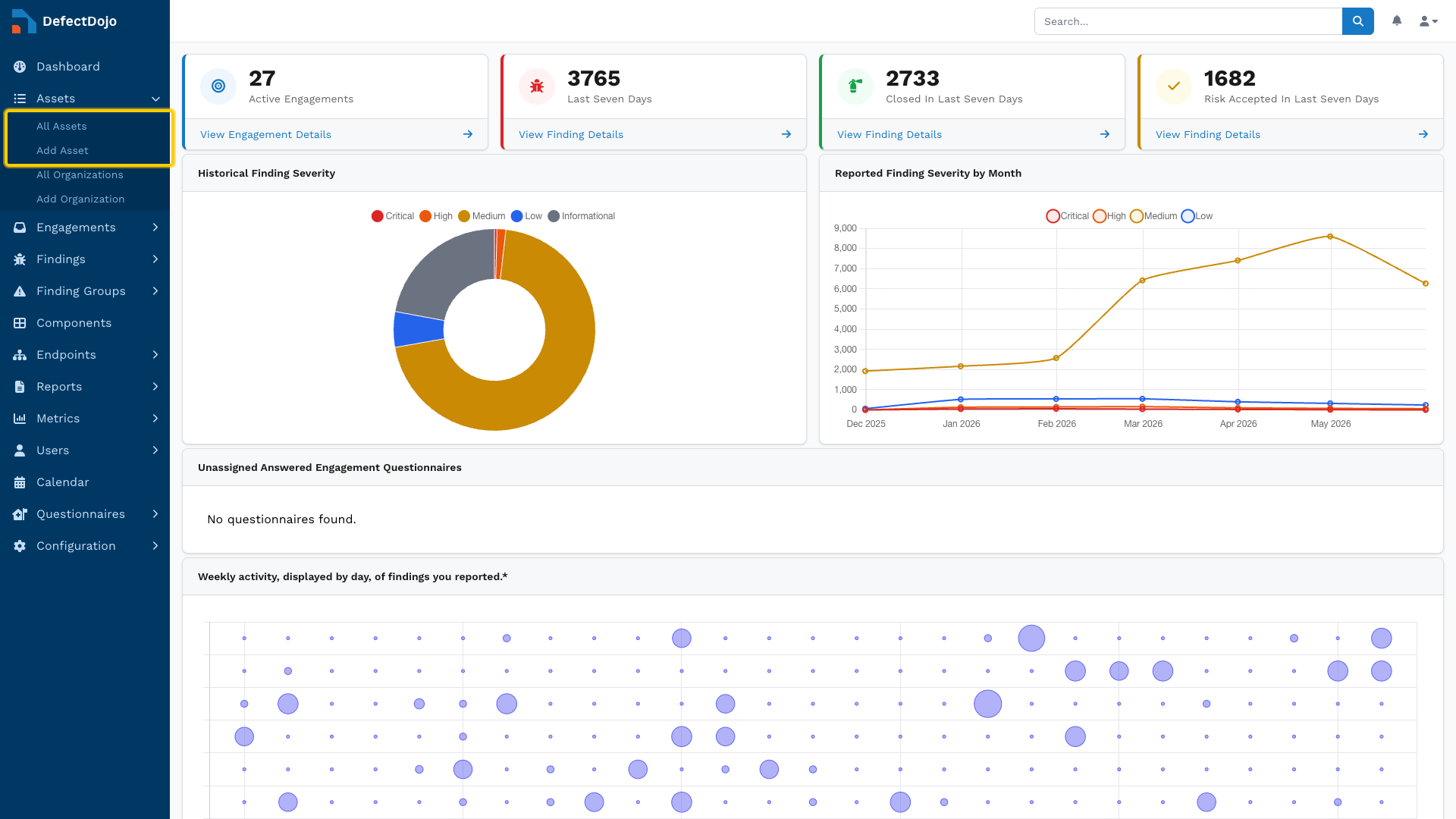
Assets are accessible via the sidebar. The submenu also provides the option to create a new Asset.
Permissions
Access to an Asset is granted through its Authorized Users list, which limits who can view and interact with it.
Permissions cascade downward, meaning that access to an Asset automatically grants access to all objects within that Asset (e.g., Engagements, Tests, and Findings).
For more information on access, see Open-Source Permissions.
Asset View
Asset views contain a variety of tables and charts to interpret an Asset’s status at a glance. This includes:
- Metadata
- Including Organization, business criticality, revenue, and other details added from the Asset settings.
- Metrics
- A list of open Findings within the Asset, grouped by severity
- Service Level Agreement by Severity
- Applies the Asset SLA configuration from settings to the Findings within the Asset.
- Technologies
- E.g., next.js, vue.js, npm v.1.2.3, Django, nginx, Hugo
- Regulations
- Benchmark Progress
- Members
- Groups
- Contacts
- Notifications
- Toggles notifications on and off depending on specific events (e.g., an Engagement has been added or closed)
Working with Assets
Create Assets
There are multiple ways to create a new Asset, including:
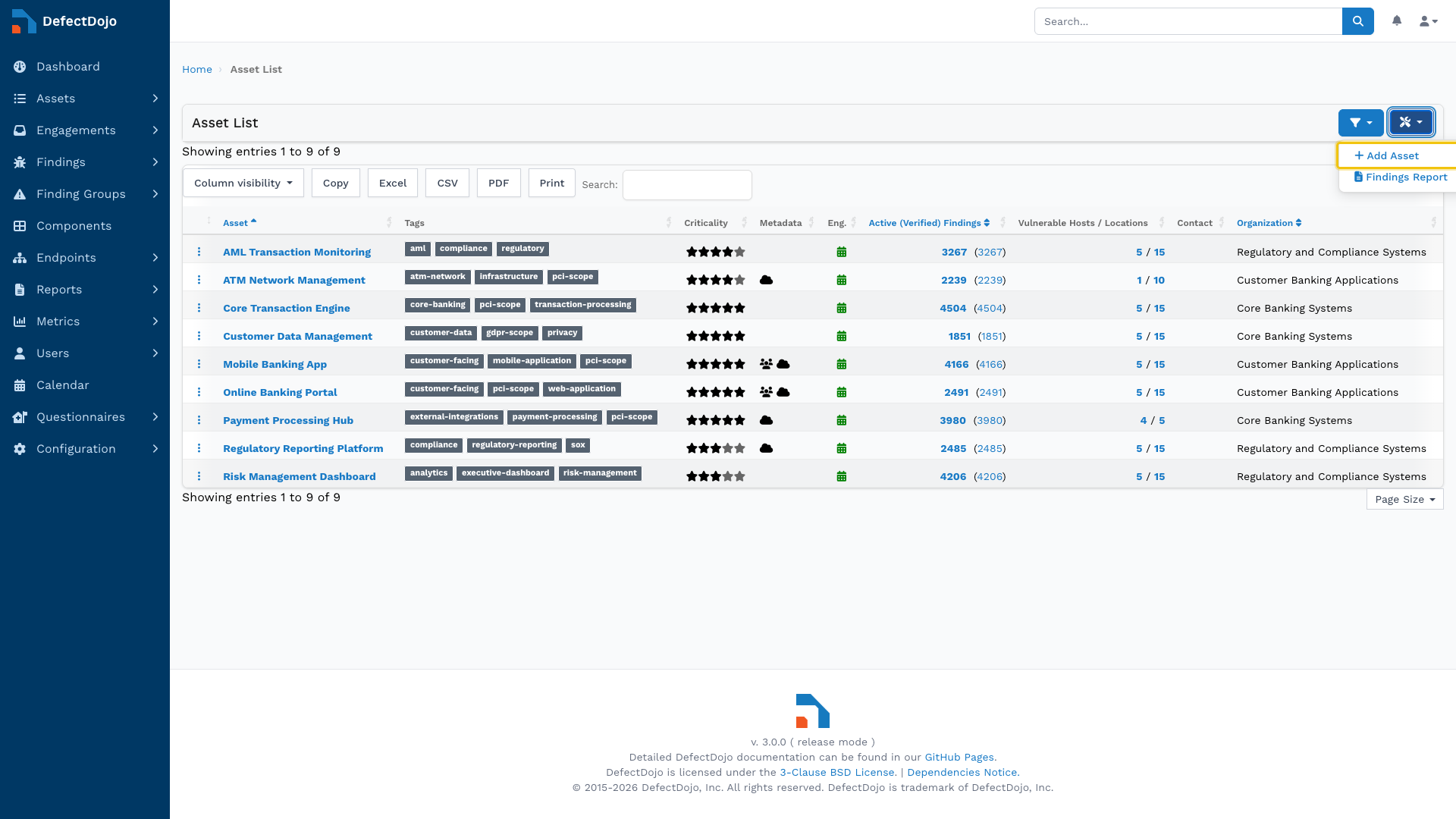
- The Add Asset button in the All Assets list
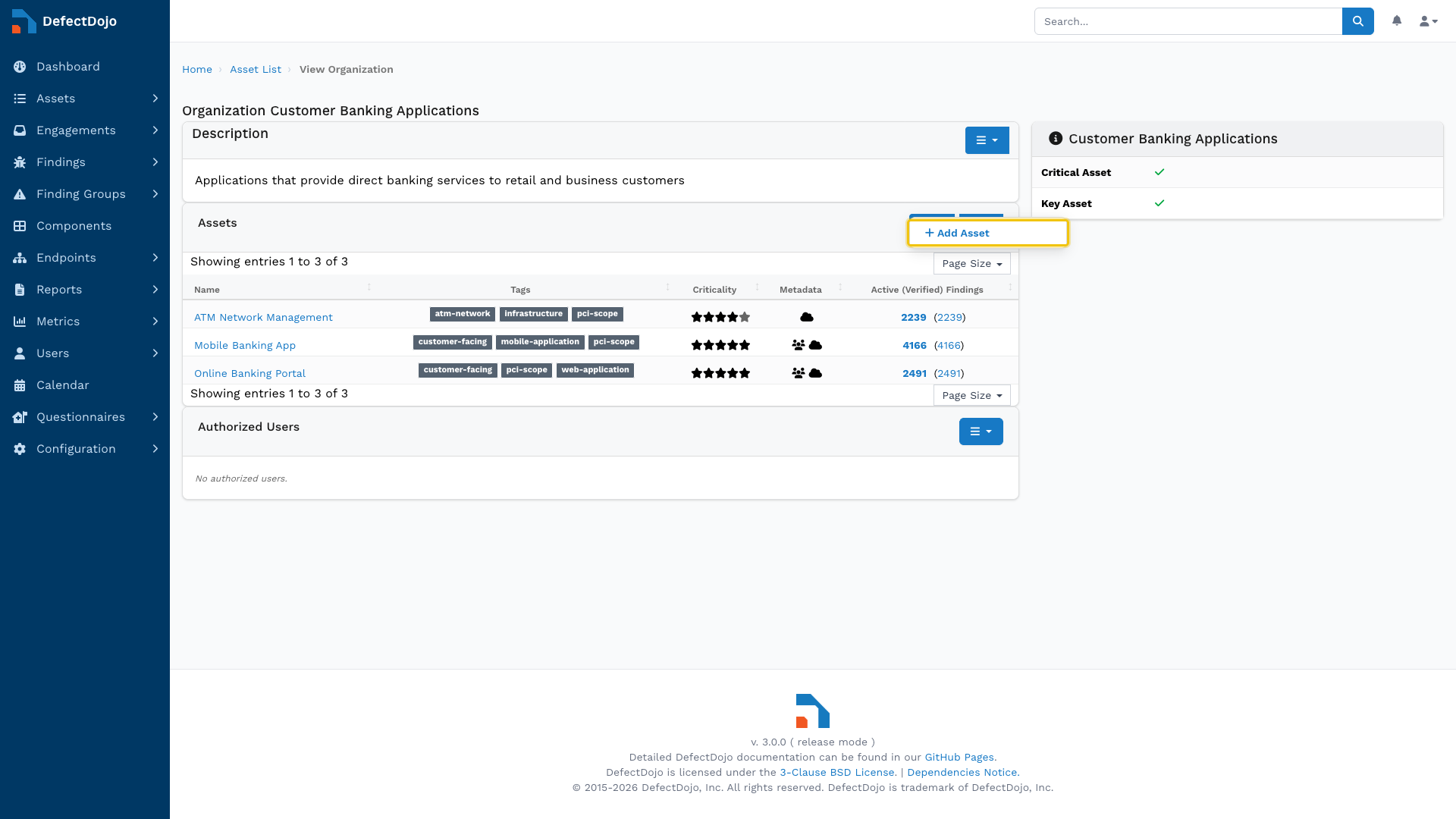
- From the dropdown menu of the Assets table within an Organization’s view
- This will automatically create the Asset within that Organization.
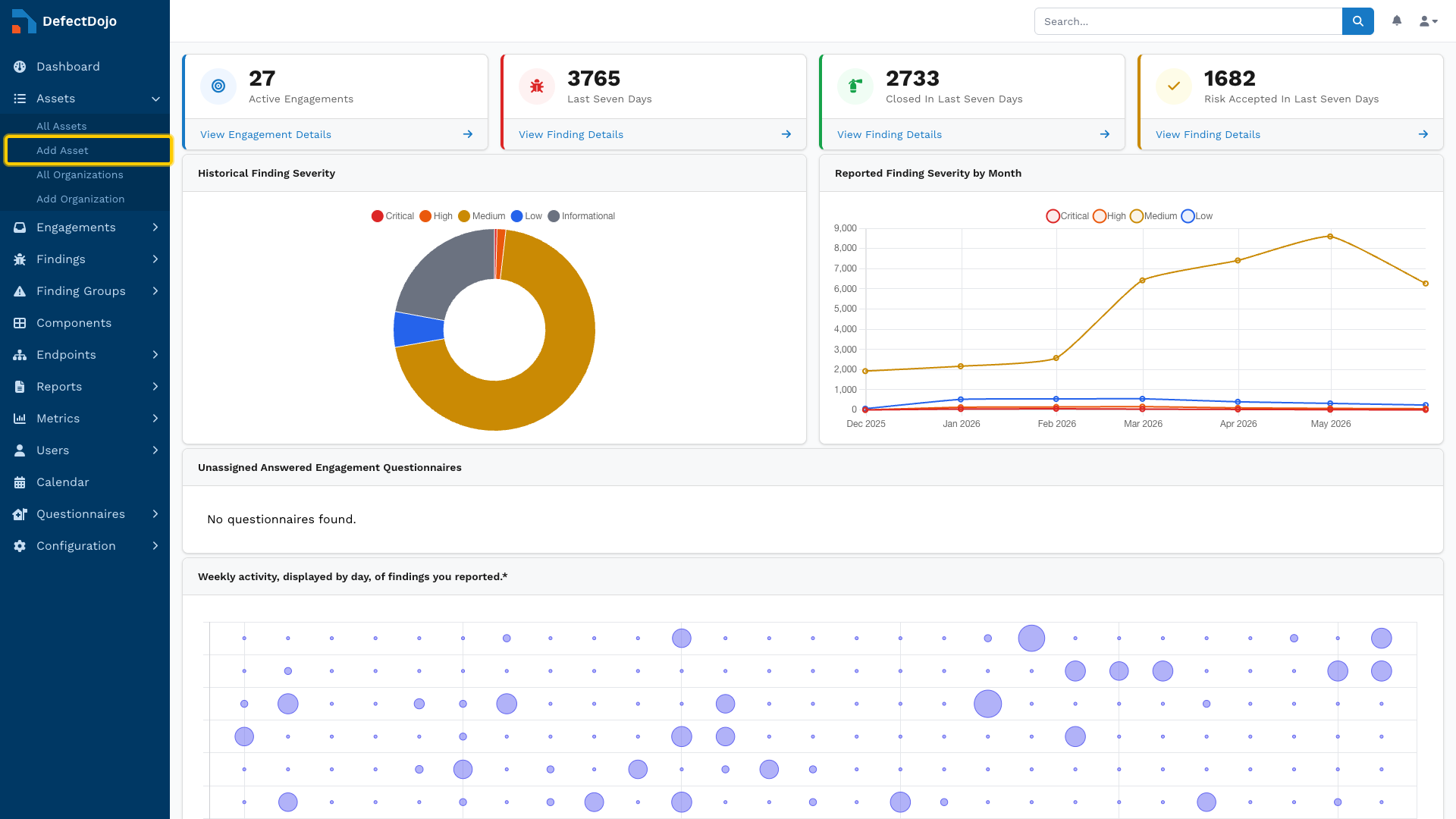
- The Add Asset button in the sidebar
Edit Assets
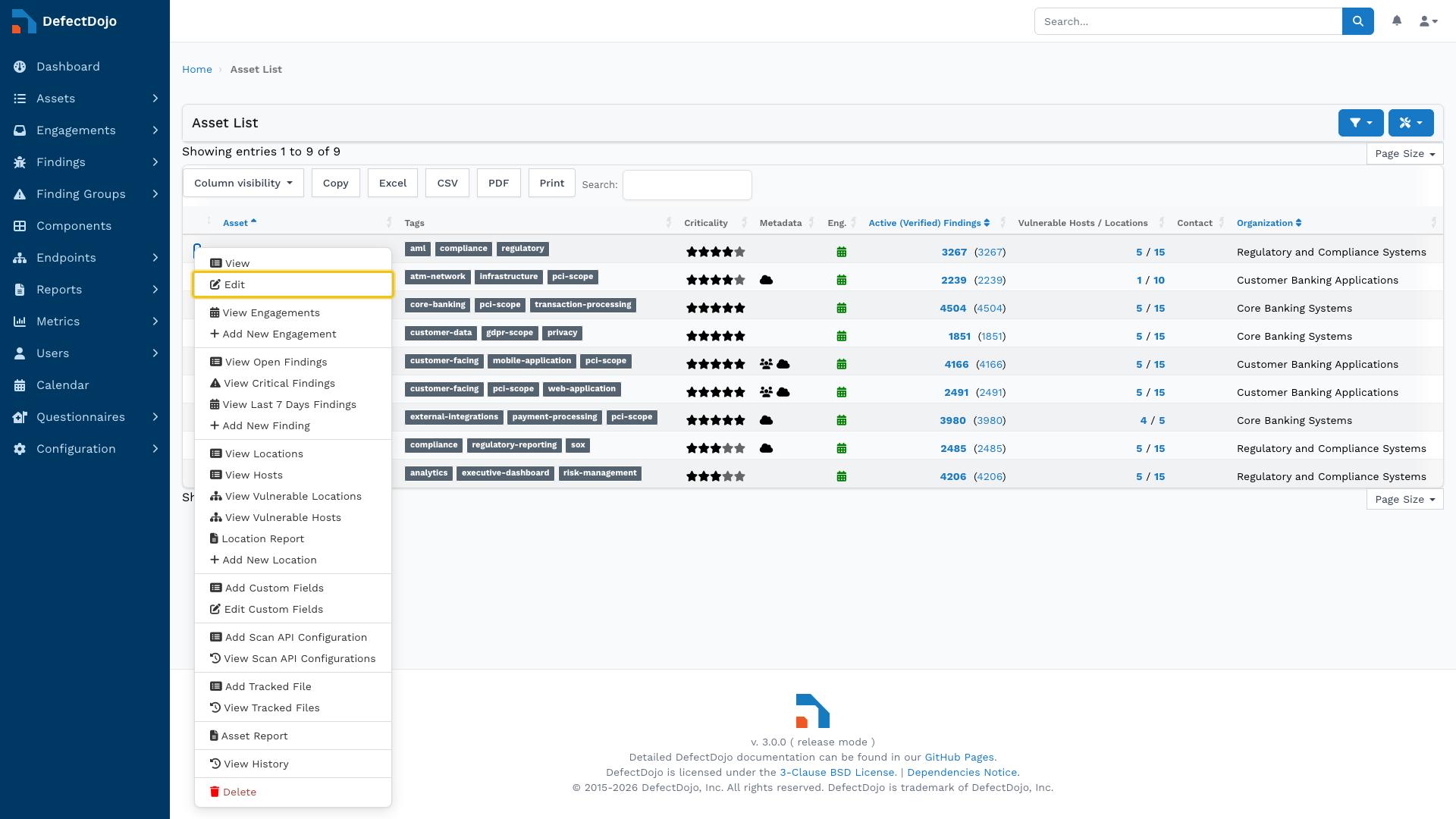
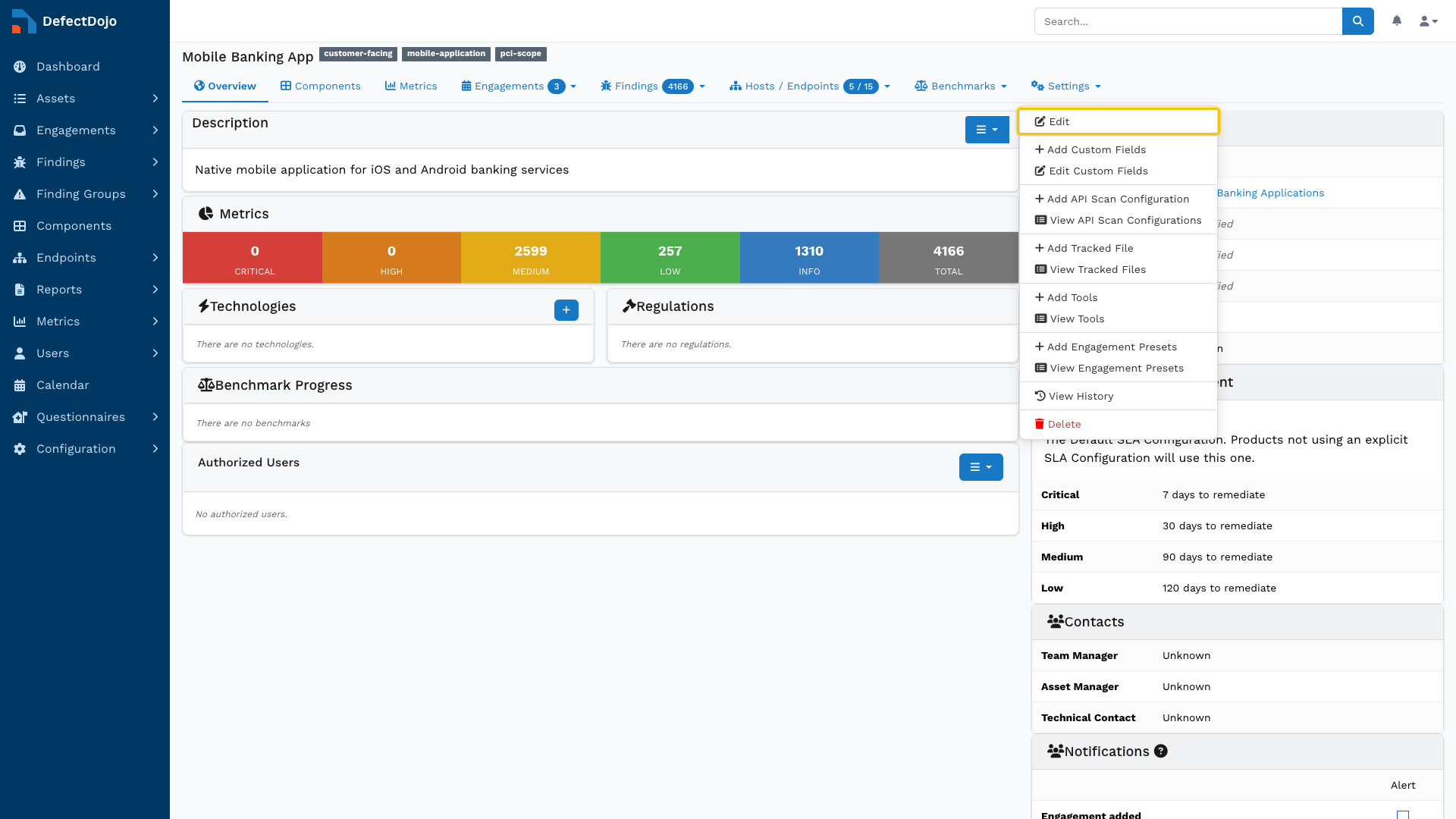
An Asset can be edited from its settings, which can be accessed in two ways:
- The Edit button within ⋮ kebab menu to the left of the Asset in the All Assets view
- The Edit button within the Settings dropdown in the Asset’s view
Delete Assets
The option to delete an Asset can be found at the bottom of the same menus described in the Edit Assets section above. This action can’t be undone. Asset can’t be closed and reopened later.
Deleting an Asset will also delete the following:
- Any Engagements and Tests contained within the Asset
- All associated security history, including Findings and integrations
- Any linked Jira Epics
- All notes and file uploads associated with the Asset’s Engagements and Tests
Asset Boundaries
Deduplication
Assets are “walled-off” and do not interact with other Assets. DefectDojo’s Smart Features, such as Deduplication, only apply within the context of a single Asset. Findings across different Assets will not be automatically deduplicated.
Metrics
Most reporting and metrics aggregate data at the Asset level, making Assets the primary unit for measuring and tracking risk.
As a result, many key metrics are calculated per Asset, including:
- Total number of Findings (by severity or status)
- Mean time to remediate (MTTR)
- SLA compliance and breach rates
- Risk trends over time
This means that how Assets are structured will directly impact the accuracy and usefulness of reports. For example, grouping multiple unrelated systems under a single Asset may obscure risk visibility, while overly granular Asset structures can fragment reporting, making it difficult to identify broader trends.
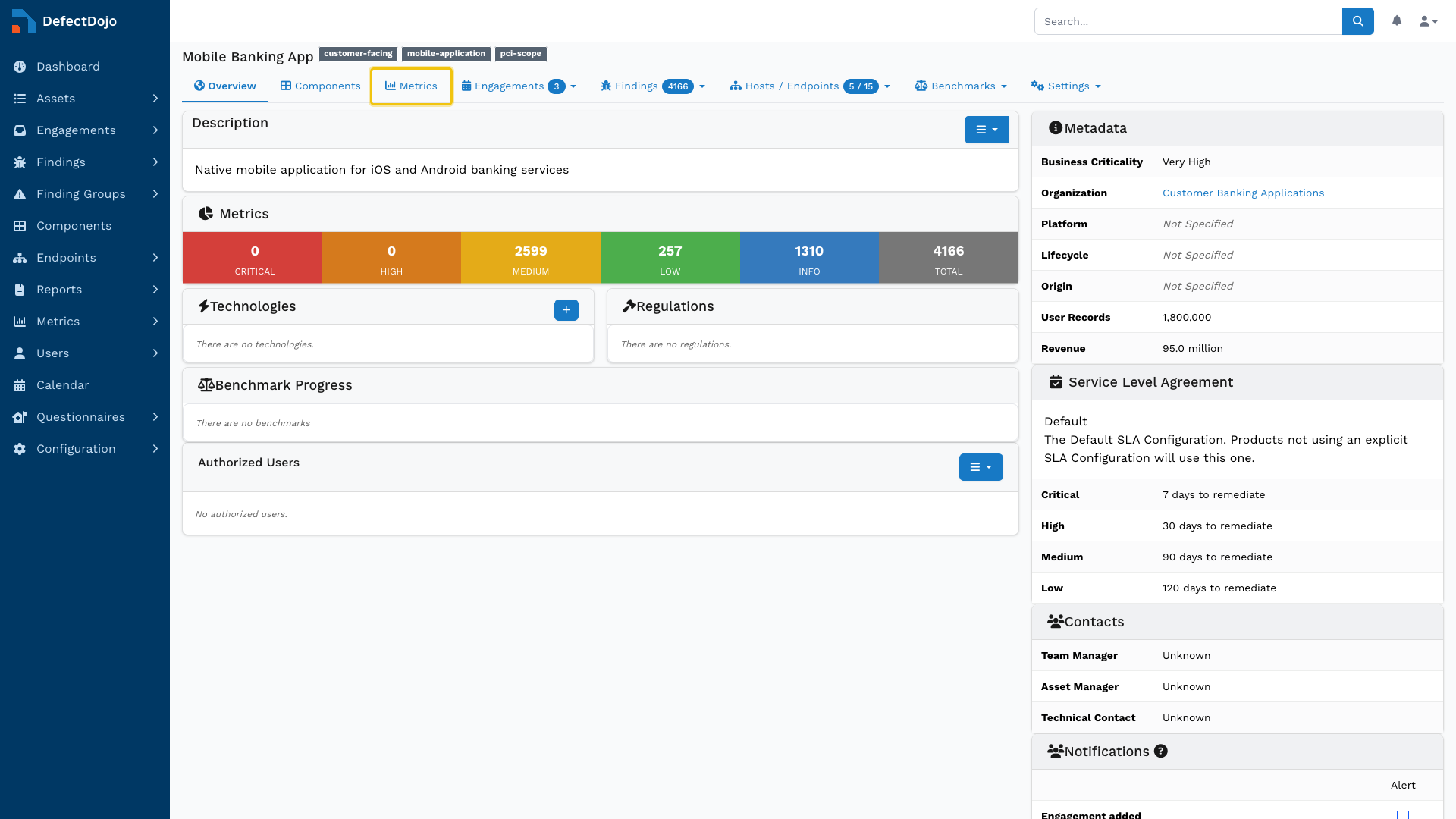
Asset-specific metrics can be accessed from the Metrics button in the top bar of the chosen Asset’s view.
CI/CD Pipeline
CI/CD pipelines automate the import of scan results. Regardless of the integration method, all scan imports must be associated with an Asset, making the Asset the anchor point for pipeline-driven security data.
When a pipeline submits scan results, it must either:
- Specify an existing Asset (and optionally an Engagement), or
- Be configured in a way that consistently maps results to the correct Asset
All imported Findings will inherit the Asset’s context, including ownership, permissions, SLA configuration, and reporting scope.
In practice, Assets should be defined to reflect how systems are built and deployed within CI/CD to ensure that security results are consistently associated with the correct application or service.
Jira Relationships
Assets can be mapped directly to Jira Projects, which push the Asset’s Findings into a Jira instance.
Because Findings inherit risk, priority, and ownership from their parent Asset, the Asset effectively determines the remediation context that flows into Jira tickets and Downstream Connector workflows.
Importantly, Assets are also the primary determining factor in a Finding’s SLA characteristics. Therefore, the SLA of a Finding depends on the SLA configuration of its parent Asset. More information about SLA configurations can be found here.