

OIDC
DefectDojo Pro supports login via a generic OpenID Connect (OIDC) provider. Open-Source users should refer to the Open-Source OIDC guide.
Configuration
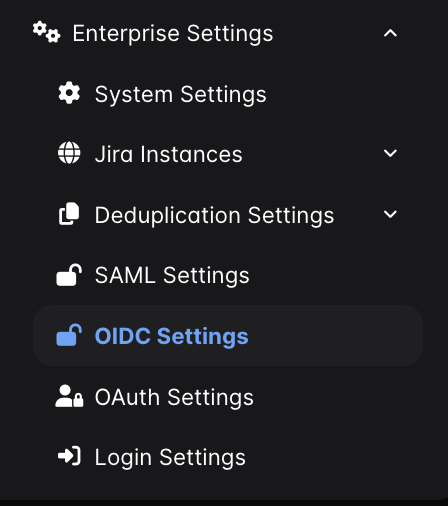
In DefectDojo, go to Enterprise Settings > OIDC Settings.
Fill in the form:
- Endpoint — the base URL of your OIDC provider. Do not include
/.well-known/openid-configuration. - Client ID — your OIDC client ID.
- Client Secret — your OIDC client secret.
- Check Enable OIDC.
Submit the form. A Log In With OIDC button will appear on the DefectDojo login page.