

Sandbox (Pro)
The sandbox is a practice copy of DefectDojo Pro under /sandbox/ on your own instance. It has its own database, preloaded with sample data, so you can try imports, rules, reports and workflows, train new people, or rehearse a change without touching production. Nothing done in the sandbox reaches production, and nothing in it leaves the instance.
The sandbox is a DefectDojo Pro feature. On DefectDojo Cloud it is turned on by DefectDojo; on a self-hosted instance an administrator turns it on (see Turning the sandbox on).
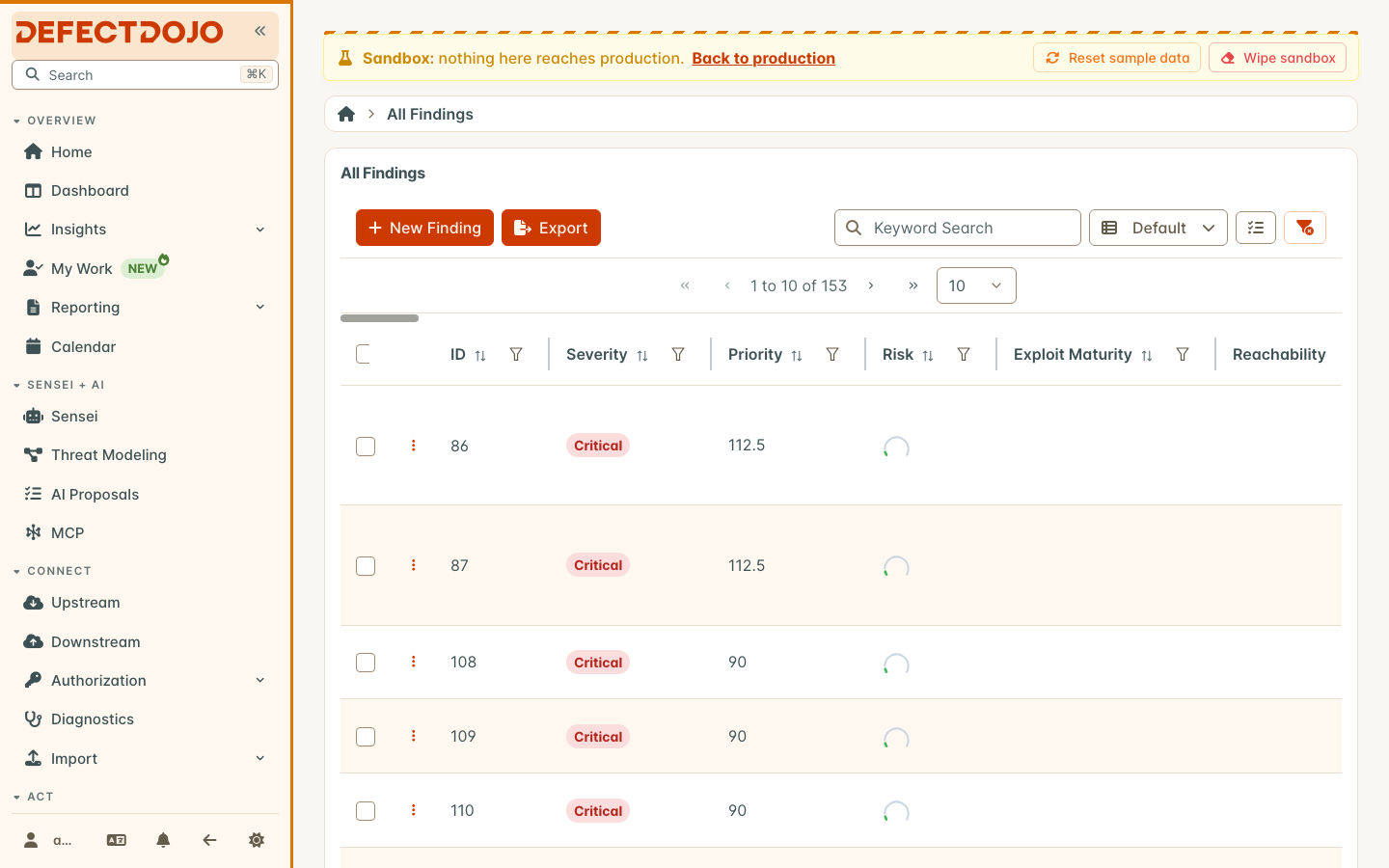
Opening the sandbox
When the sandbox is on, a Production/Sandbox switch appears in the footer of the sidebar. Select it to open the same page in the sandbox, and select it again to go back. You stay signed in: one login covers both.
In the sandbox:
- a striped banner across the top says you are in the sandbox, with a link back to the same page in production;
- the browser tab title starts with
[Sandbox], and the sidebar and favicon turn amber; - every address starts with
/sandbox/, so a link copied from the sandbox opens the sandbox.
A record that exists in only one of the two shows that page’s normal not-found message: the sandbox and production do not share records.
Who you are in the sandbox
The first time you open the sandbox, DefectDojo creates a sandbox account matching your production account, with the Owner global role. That gives you full access to the sample data without any setup. Superusers stay superusers.
Changes to production users carry into the sandbox, never the other way:
- a profile change, a rename, deactivation, or a change to superuser status in production updates the matching sandbox account;
- deleting a production user deletes the matching sandbox account;
- roles are the sandbox’s own: changing a role in the sandbox does not change production, and production roles are not copied in.
Personas
To see DefectDojo through a specific role, sign out of your own account in the sandbox and sign in at /sandbox/login as one of the three personas: reader, writer or owner. Each has the global role its name says. The banner shows which persona is active, with a button to sign out of it. Personas exist only in the sandbox.
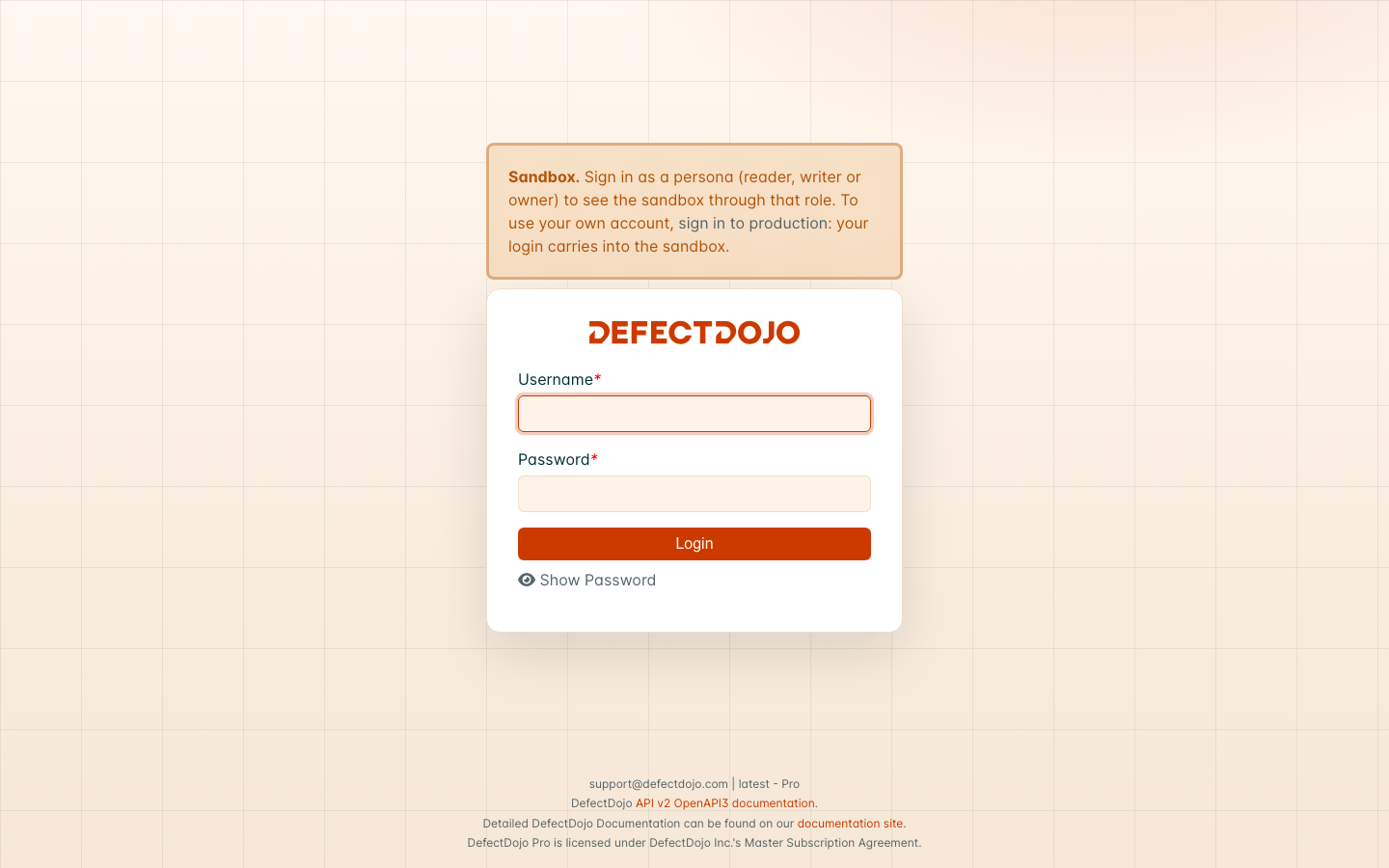
Personas sign in with a shared password set by the instance administrator. Without one, personas cannot sign in, and the sandbox is used through your own account only.
Resetting the sandbox
Superusers see two buttons in the banner:
- Reset sample data replaces everything in the sandbox with a fresh copy of the sample data;
- Wipe sandbox empties it, leaving no sample data, for practicing an import from scratch.
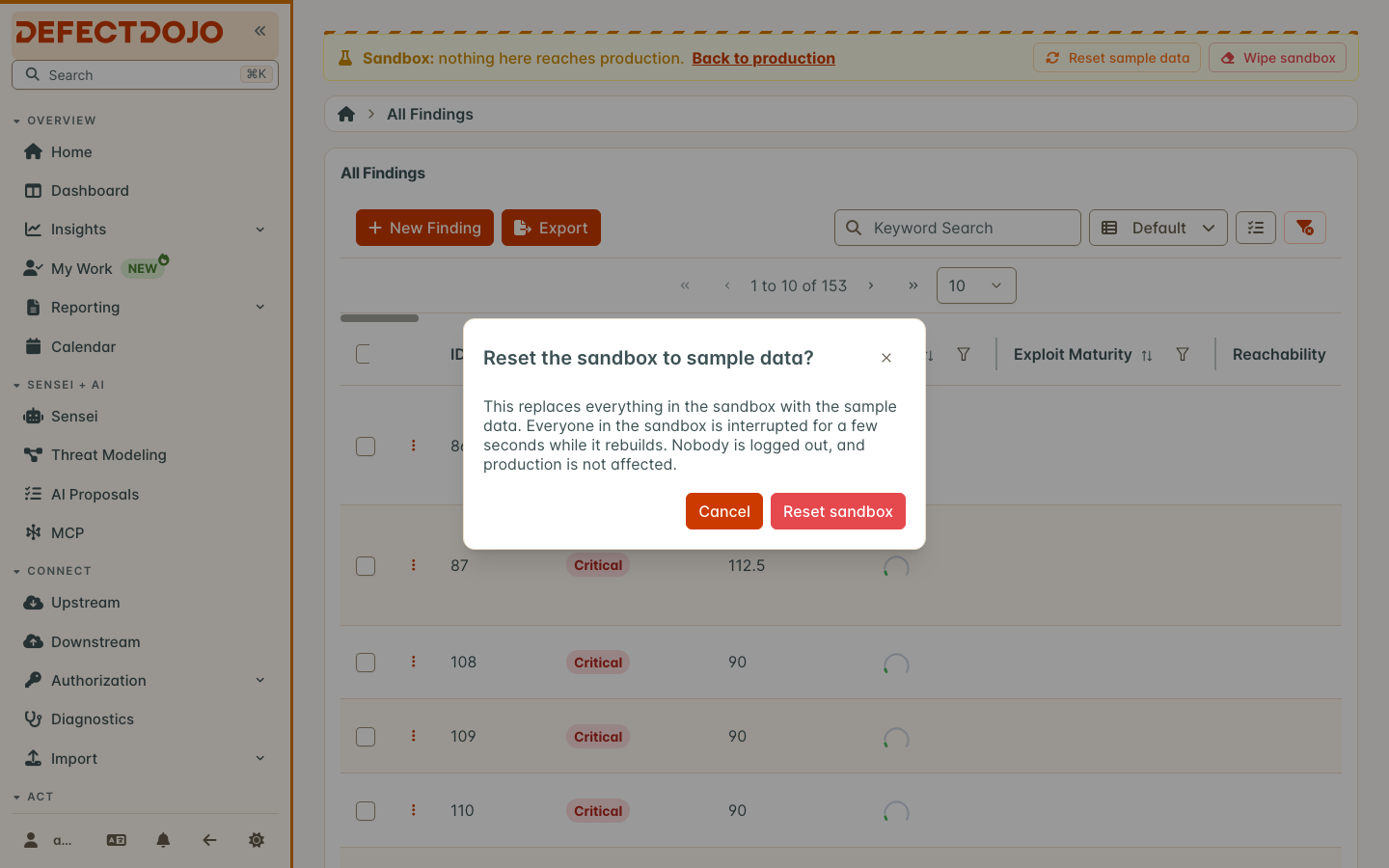
Either takes a few seconds. While it runs, everyone in the sandbox sees a “rebuilding” notice, and the page reloads by itself when it is done. Nobody is signed out, and production is not affected.
What the sandbox blocks
The sandbox can practice everything that stays inside DefectDojo. Anything that would reach outside it is turned off:
- Outbound calls are refused: Jira, outbound webhooks, Slack and Microsoft Teams, connectors, and anything else that calls another system.
- Email is not sent.
- Integration settings are read-only: connectors, downstream integrations, Jira, notification channels and webhooks, email settings, tool configurations, and the sign-in settings (SAML, OIDC, LDAP, OAuth, SCIM, login and MFA), which belong to the whole instance and are managed in production. These pages open, with a notice, but cannot be saved.
- Inbound webhooks are off: webhook receivers are read-only, and receiver addresses under
/sandbox/do not exist, so a real system pointed at one reaches nothing. - Offboarding exports are made in production only.
The API
The sandbox has its own API at /sandbox/api/v2/. API tokens belong to one side: a production token is refused in the sandbox, and a token created in the sandbox (it starts with sbx) is refused in production. Create a sandbox token from your profile while in the sandbox.
How the sandbox counts against your license
The sandbox shares your license with production. Your license capacity is one total for both: with a license for 30,000 Findings and 20,000 in production, the sandbox can hold up to 10,000 more.
- The sample data never counts: only what you add to the sandbox does.
- The license usage bar (on the License page, in the usage window, and in the Usage widget) shows production, sandbox and available capacity as one bar.
- Warnings and limits apply to the combined total, the same way they apply to production alone.
- The sandbox has the same licensed features as production, and no others.
Turning the sandbox on
DefectDojo Cloud: the sandbox is turned on by DefectDojo. Ask DefectDojo Support to enable it on your instance. Nothing needs to be set up on your side.
Self-hosted: an administrator sets one flag; see Sandbox Mode (self-hosted).
The switch appears only once the sandbox has been fully set up. If the sandbox is on but the switch does not appear, the instance could not prepare it; the self-hosted page explains how to find out why.
Frequently asked questions
Can I copy something from the sandbox to production? Not today. The sandbox is deliberately one-way: production users flow in, nothing flows out.
Does the sandbox slow down production? The sandbox runs in the same processes and only uses resources while someone is using it. A reset is a fast copy inside the database server.
Is sandbox data in my backups? On DefectDojo Cloud, yes, with the rest of your instance. On a self-hosted instance, the sandbox lives in databases next to your production database; include them if you want to keep sandbox work.